1.1.2. Your profile#
You can access your profile by selecting “My Profile” in the navigation bar at the top.
Your profile provides an overview of the information linked to your account on the portal. For example, you can see the stored email address or the student groups you are linked to.
Your profile is, of course, not public. Only you and AStA members who are responsible for managing the portal can access it.
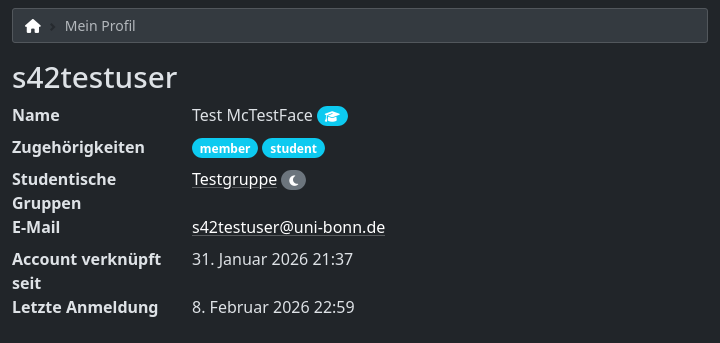
Screenshot of a test account profile#